
AI UGC video generator: how to create AI UGC ads step by step
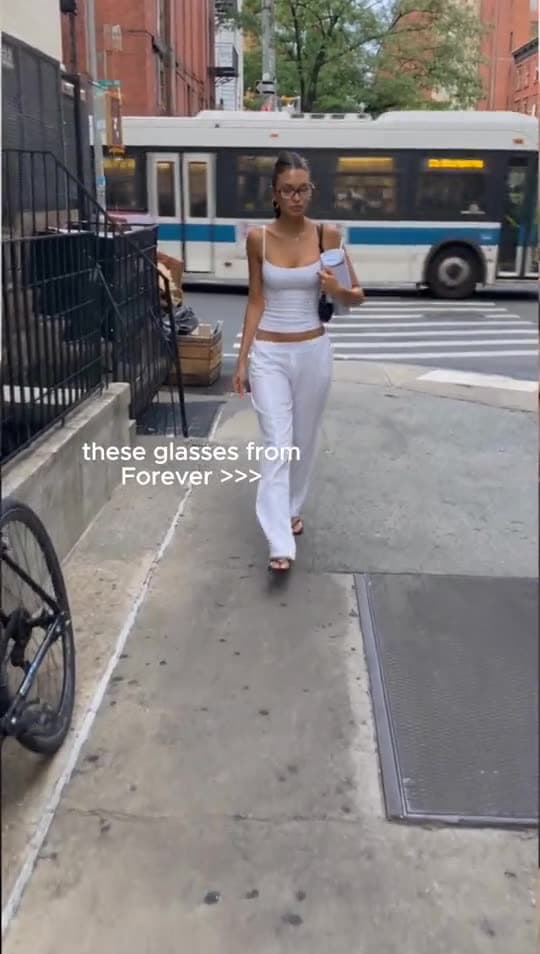
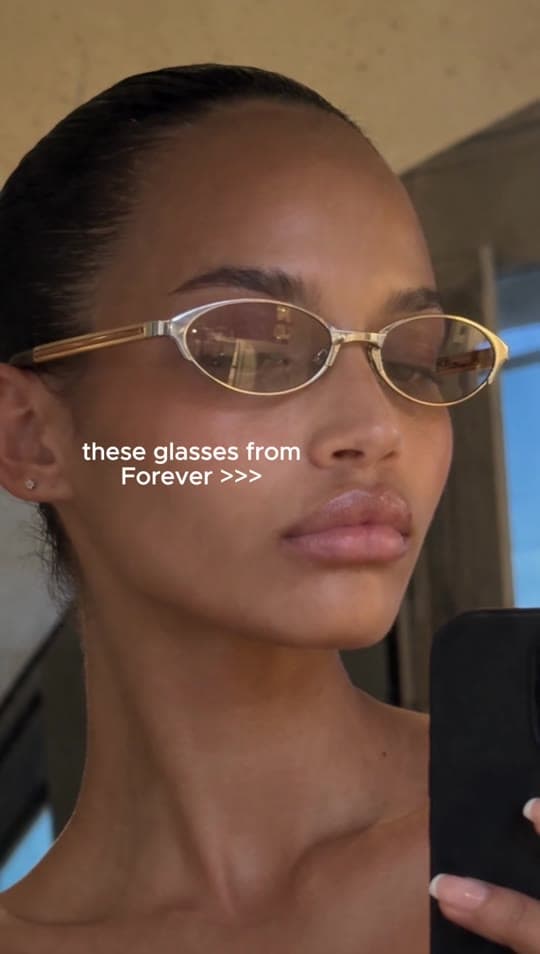
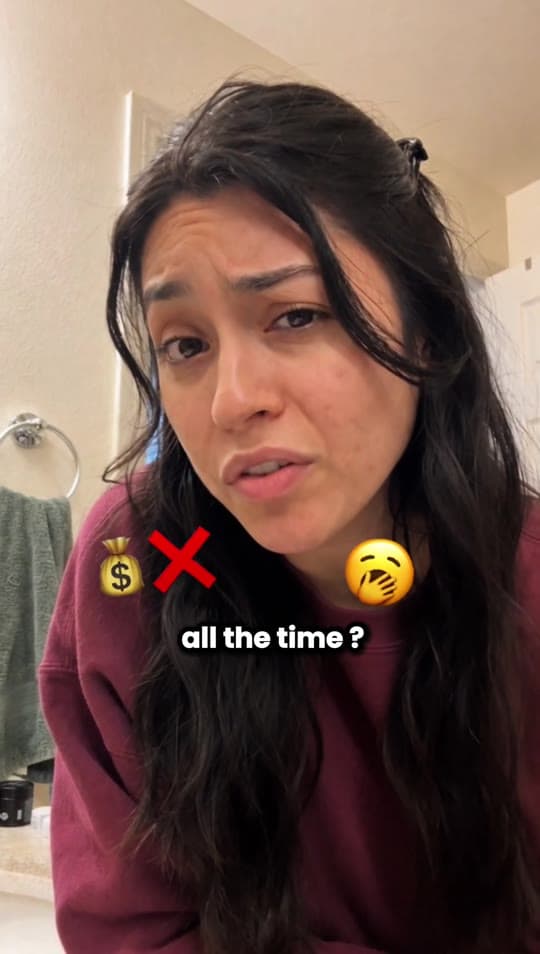
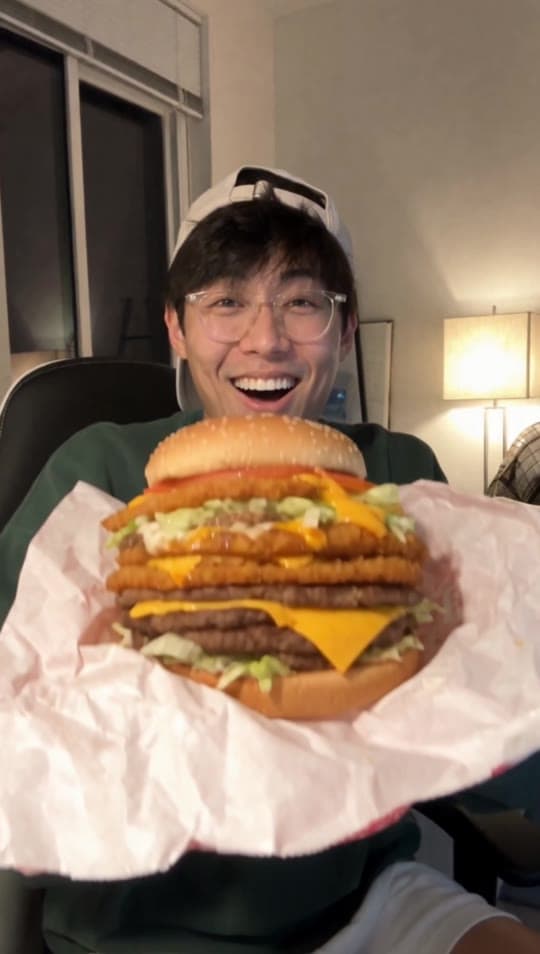
UGC stands for user-generated content. In advertising it means short vertical videos where a real-looking person shows a product and talks about it in their own words. In a TikTok or Reels feed these videos tend to feel less like ads than a polished spot. An AI UGC video generator replaces the human creator with an AI creator. In Tasy, that creator holds your product, taken from your product photo, and speaks your script with matching lip movements. Each clip runs from 4 to 30 seconds in 9:16, ready to upload as an ad on TikTok, Reels or Meta.
Start with the hook. Viewers decide in the first seconds whether to keep watching, so open with a question, a problem or a surprising detail about the product. Keep the script short and conversational, the way a person would actually talk, and focus on one main benefit per video. Use a clean, well-lit product photo so the product is easy to recognise on screen. Rather than polishing one long video, generate several short variants with different hooks and creators, then let your ad data decide what to keep. Add subtitles in one click, since many people scroll with the sound off.
Watch out for a few things. Do not let an AI creator claim personal experience that never happened, and avoid health or performance promises you cannot prove. Advertising rules apply to AI creators just as they apply to people. Label AI-generated content where Meta, TikTok or local law require it, and keep an eye on the transparency rules in the EU AI Act. Check every video before it goes live for pronunciation, brand names and how the product looks. Videos made with Tasy can be used commercially, including in paid ads, and the avatars are licensed.