
AI product videos

AI product video generator: from photo to video

You already have a product photo. Tasy turns it into a product video: moving scenes of your product, on its own or shown by an AI creator. No studio and no shoot, ready in a few minutes.

Start for free

1 AI video or up to 25 ad images free, then from €29 a month.

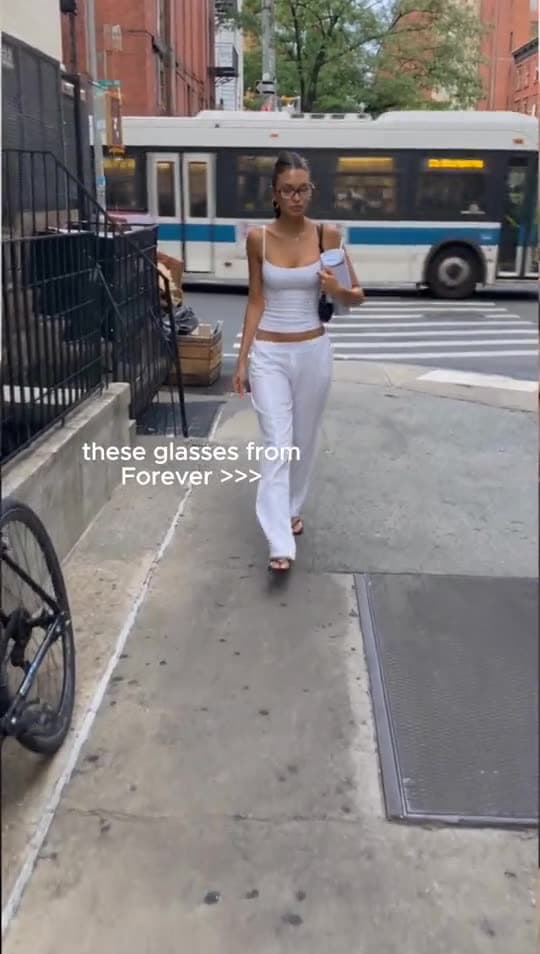
AI product videos, example 1, made with Tasy
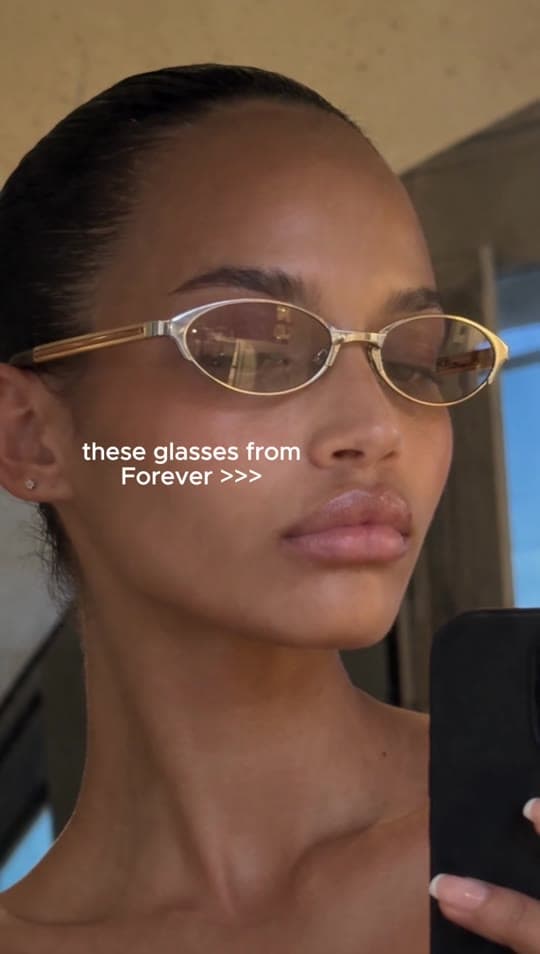
AI product videos, example 2, made with Tasy
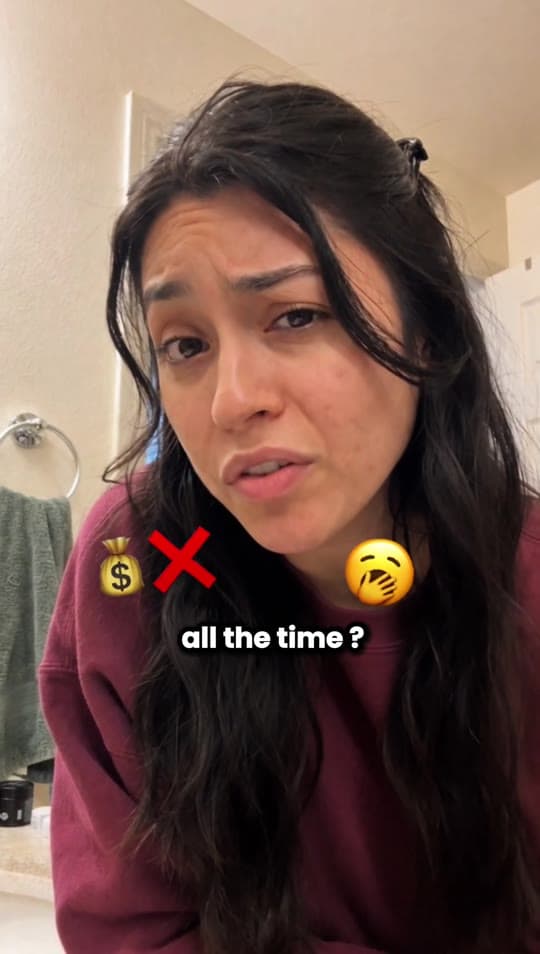
AI product videos, example 3, made with Tasy
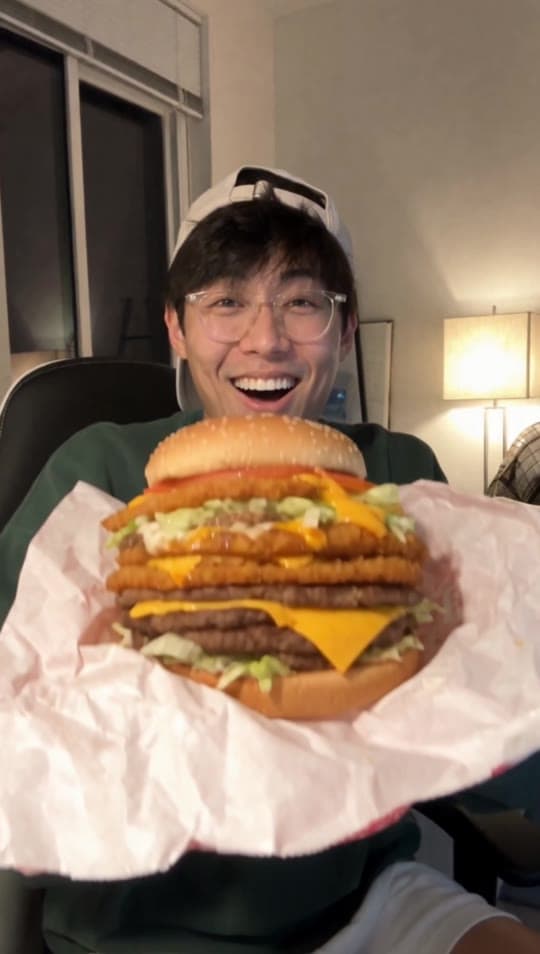
AI product videos, example 4, made with Tasy

How it works

  1. 1

    Upload a product photo

    Use a sharp, well-lit photo of your product. It is the base for every scene Tasy creates.

  2. 2

    Choose the style

    Show the product on its own, have an AI creator present it, or go UGC style with a creator holding it and talking about it.

  3. 3

    Generate and use it

    Tasy creates the video from your photo. Download it for product pages, social posts or paid campaigns.

Why Tasy

From still to motion

No footage needed. Tasy generates video scenes straight from your product photo using image-to-video.

Three styles, one tool

Product only, product with an AI creator, or UGC style with the product in hand. Pick what fits the channel and the goal.

No studio, no shoot

No location, no lighting setup, no shipping samples. A new product can get its video as soon as you have a photo.

Commercial use included

Use the videos on product pages, in social posts and in paid ads. Commercial use is allowed.

Try it free

Your first AI video is free, no credit card needed. After that, plans start at €29 a month and you can cancel any time.

How an AI product video generator works and how to get clean results

An AI product video generator starts from something you already have: a product photo. The model turns the still image into moving video scenes of your product, a technique known as image-to-video. Tasy gives you three ways to use it. You can show the product on its own, have an AI creator present it, or create a UGC-style video where the creator holds the product and talks about it on camera. One photo can therefore cover calm videos for your product page as well as creator-style ads for social feeds.

Your photo sets the ceiling for the result. Use a sharp image with even light where the whole product is visible and labels or logos are easy to read. A plain background helps the model separate the product from its surroundings. Decide where the video will run before you generate it. A product page usually needs a calm scene that keeps the product at the centre, while TikTok and Reels often call for a creator who shows the product and explains in a few sentences why it is worth buying. Generate a few variants and compare them before you commit.

AI video is good at motion, but it is not flawless. Check every result closely. Are the shape, colour and details of your product right? Is the text on the packaging correct? If something is off, generate a new variant rather than publishing a flawed video. Never show features, sizes or results your product does not have, since that misleads buyers and can break advertising rules. Label AI-generated content where platforms or local law require it. Videos made with Tasy can be used commercially, including in paid ads.

Who it's for

Online stores

Product pages that show more than a still image, and launch campaigns for new products.

Brands with large catalogs

Video for products where a shoot per item would cost too much or take too long.

Social media teams

A steady flow of Instagram and TikTok posts without producing new footage each time.

Agencies

Product videos for client pitches and campaigns without booking a production.

Frequently asked questions

Can I turn a product photo into a video with AI?

Yes. Tasy creates moving video scenes from your product photo. You choose whether the product appears on its own, is presented by an AI creator, or is held by a creator in a UGC-style video.

How much does an AI product video cost?

Your first AI video is free, with no credit card. After that, Basic costs €29 a month for 720 credits and Business €99 a month for 2,699 credits. The credits a video needs depend on its type and length. Unused credits do not roll over.

What makes a good product photo for AI video?

A sharp photo with even lighting where the whole product is visible. A plain background and readable labels help keep your product recognisable. A good smartphone photo is often enough.

What is the difference between a product video and a UGC video?

A product video puts the product itself at the centre, with or without a person. A UGC video feels like a personal recommendation: an AI creator holds the product to the camera and talks about it. You can make both in Tasy from the same product photo.

Do I need video editing skills?

No. You upload a photo, choose a style and Tasy generates the video. If you want to plan several videos at once, the Tasy Agent works in a chat, plans videos as editable cards and asks before it spends credits.

Where can I use AI product videos?

On product pages, in Instagram and TikTok posts and in paid campaigns on Meta or TikTok. UGC-style clips are made in 9:16, the format Reels and TikTok expect. Commercial use is allowed.

Try Tasy with your own product.

1 AI video or up to 25 ad images for free. No credit card needed.

Start for free